Back
Nura Space and CMS Engage: desk power that switches on at check-in
Employee Experience

Nura Space and CMS Engage: desk power that switches on at check-in

Nura Space connects with CMS Engage hardware, including the Smart Cell, occupancy sensor and status indicator, so workstations power up when someone checks in.

Anton Schiavello
November 6, 2026

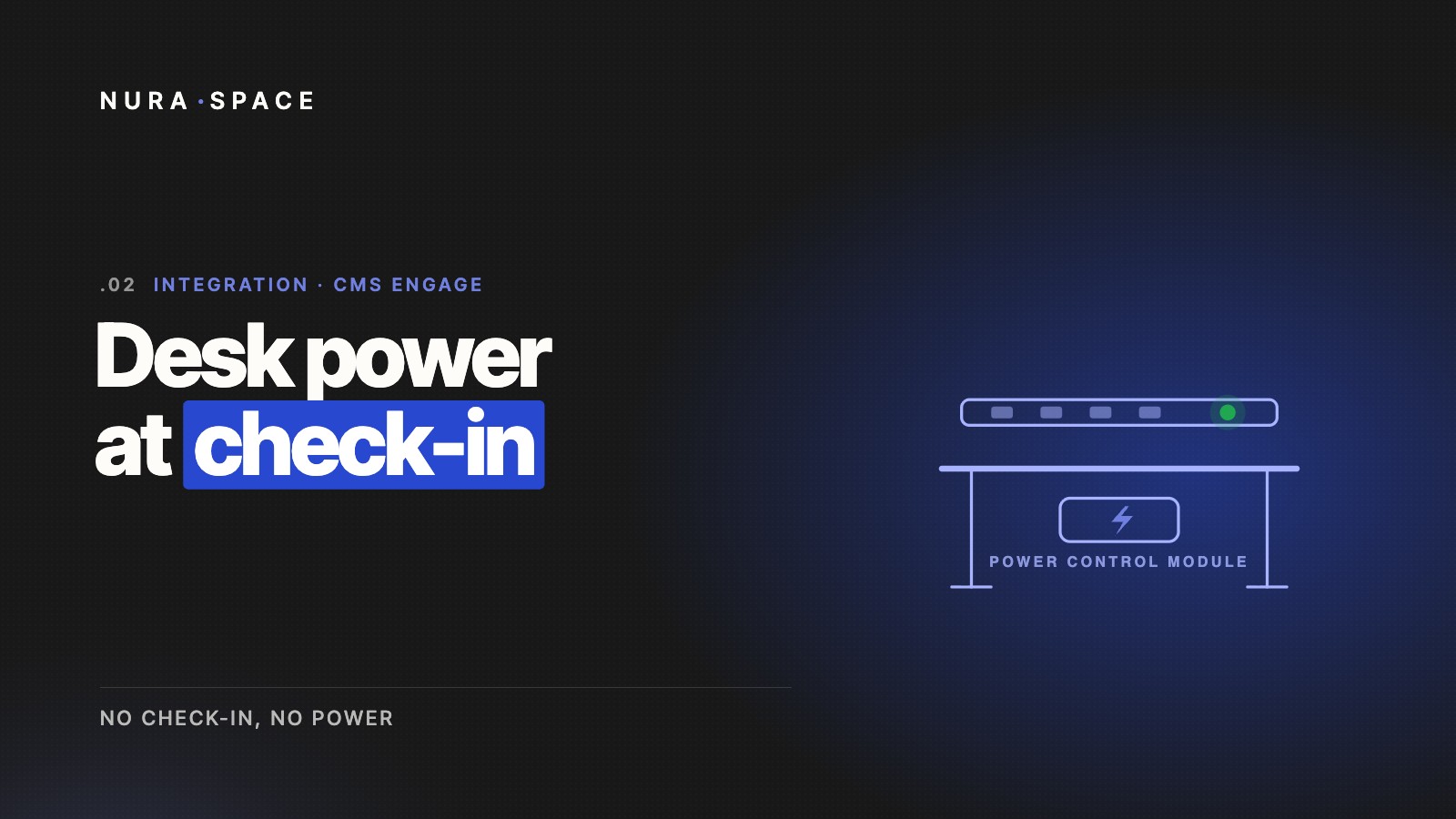
In short: Nura Space integrates with CMS Engage, the smart workplace hardware from CMS Electracom. The CMS Engage Smart Cell sits under the workstation and controls power to everything connected to it, including the above-desk power rail, monitors and accessories. When a person checks in, by tapping their access card or through the app, the desk powers up. When nobody is there, it stays off. CMS Engage calls this approach "No Check-In, No Power".

What CMS Engage brings to the desk

CMS Engage connects into a workstation's existing structured cabling. The key components are:

  • Smart Cell: the central unit under each workstation. It links the other devices and controls power to whatever is connected, such as monitors and the above-desk power rail.
  • Occupancy sensor: detects whether someone is actually present and reports desk height status.
  • Status indicator: mounted above the desk, it shows whether a workstation is free or in use. It can connect to a power rail or an in-desk power module.
  • Gateway: forms a wireless mesh between the smart devices and collects their event data, with up to 80 devices per gateway.

How the integration works with Nura Space

People book their desk in Nura Space as usual. When they arrive, they check in by tapping their access card or using the app. The Smart Cell then switches power on to the workstation and its accessories, so screens and chargers are ready to use.

If nobody checks in, the desk stays powered down. The status indicator shows availability at a glance, so people walking the floor can see which desks are free without opening the app.

Lower energy use without changing behaviour

In most offices, desk power stays on all day whether or not anyone is there. Monitors sit in standby, chargers draw current and accessories run overnight.

Linking power to check-in means desks only draw power when they are actually in use. Staff do not need to remember anything. The desk switches on when they check in.

Better data on how desks are used

Occupancy sensors confirm real presence, not just bookings. Combined with bookings and check-ins in Nura Space analytics, workplace teams can see the gap between booked and used desks, and plan floors with confidence.

Getting started

CMS Engage can be specified in new fit-outs or added to compatible CMS workstations. Book a demo to see how it works with desk booking in Nura Space, or compare it with other options in our smart desk hardware comparison.

ABOUT THE AUTHOR
Anton Schiavello

Anton Schiavello is co-founder and CEO of Nura Space, the Melbourne workplace management platform founded in 2017. He developed Schiavello's Focus Quiet Room, the project that led to Nura Space, and now leads product, strategy and partnerships, including Nura Vision, winner of Best of NeoCon 2025 Gold.

Enjoyed this read?

Stay up to date with the latest workplace insights, hybrid work strategies and Nura Space news, sent straight to your inbox.